HomeGauge → SightSpec
Still on HomeGauge? We Built a Lifeboat.
Drop your Export Comments file and your library rebuilds in minutes — then run your next inspection from your phone, with AI doing the typing.
Why inspectors are leaving the desktop
A modern home for your inspection business
Modern mobile experience
Inspect, photograph, and publish from your phone — not a Windows desktop.
AI workflows
Snap a photo and a publish-ready finding is drafted for you. Less typing, faster reports.
Data ownership
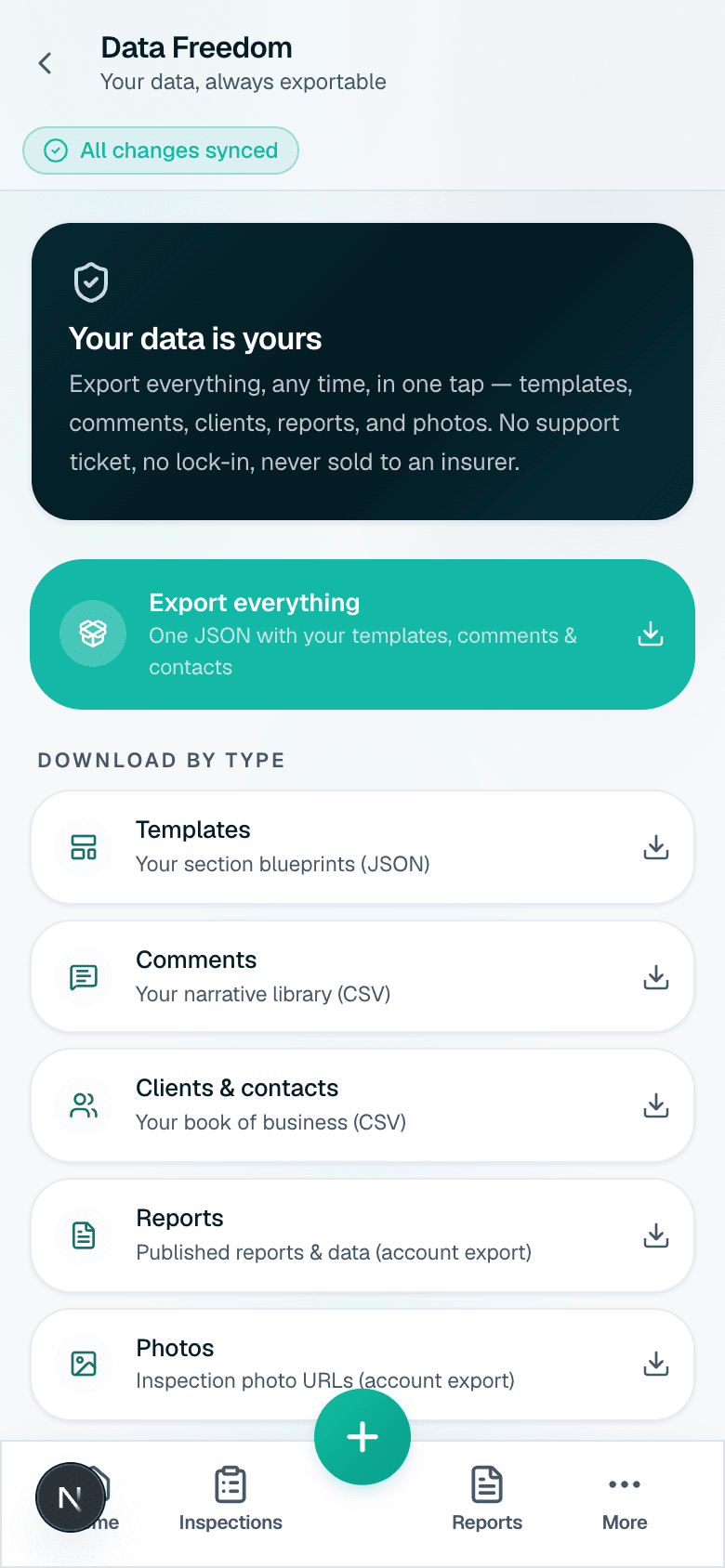
Your data is exportable forever. Never sold to an insurer, never held hostage.
Fast migration
Your Export Comments file rebuilds your whole template + comment library in minutes.
Proof, not promises
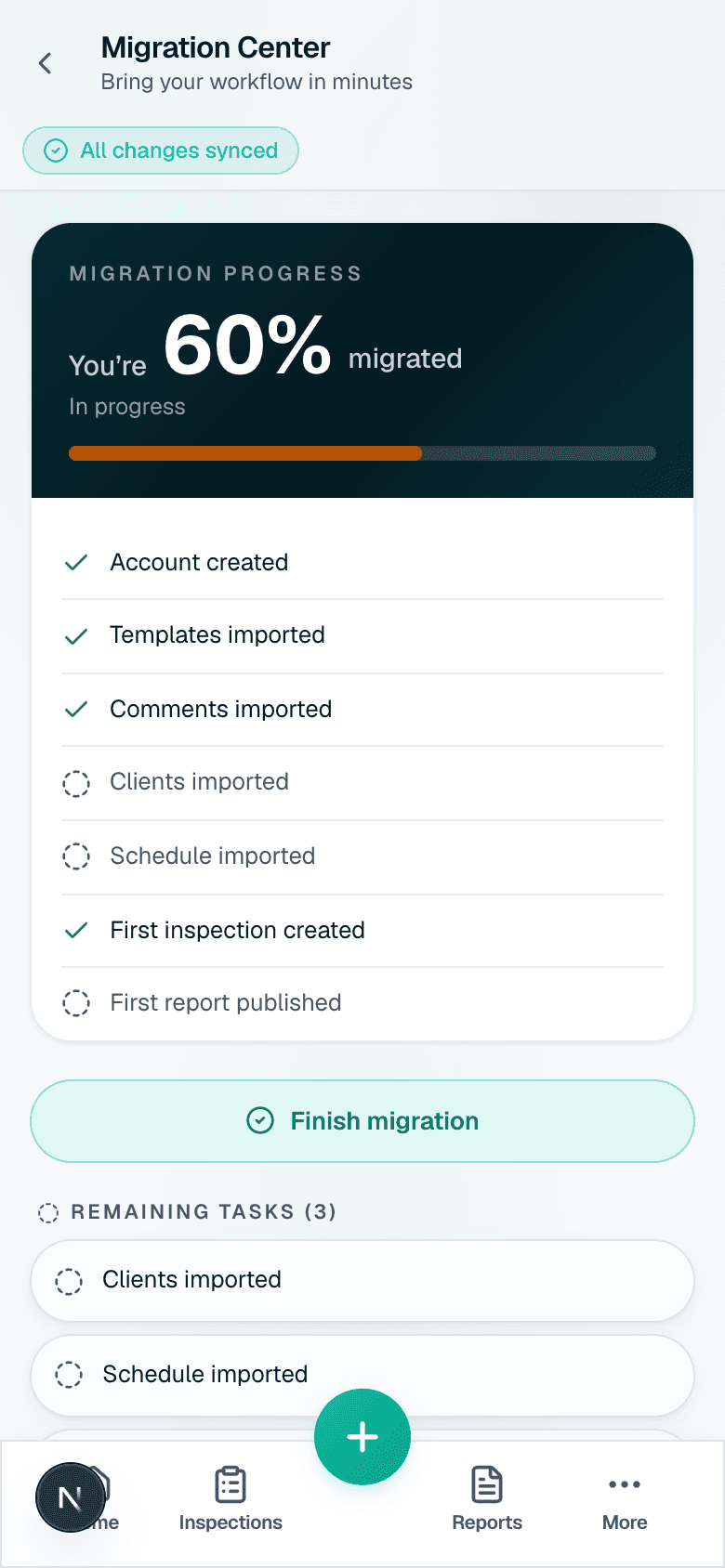
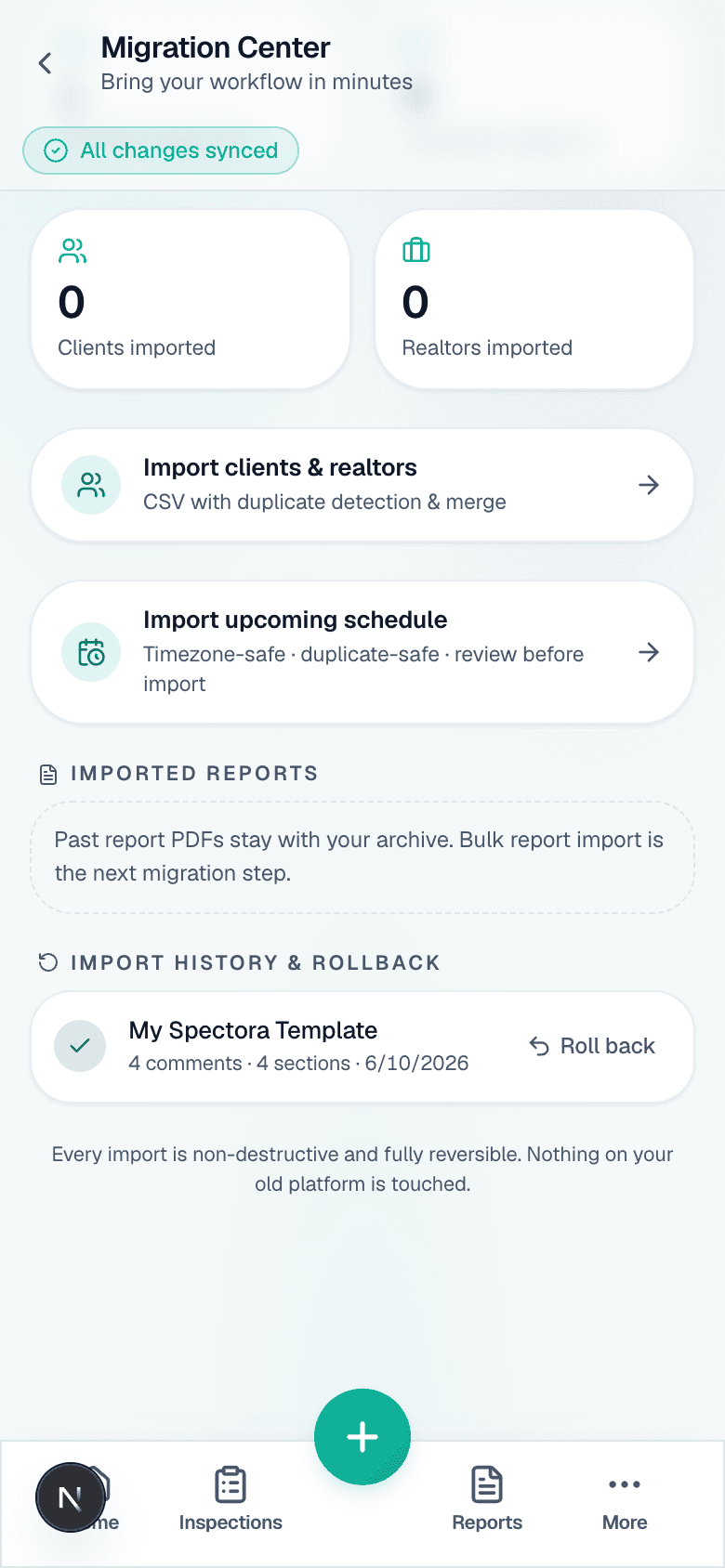
See exactly what comes over
Real migration screens — progress, what imported, and one-tap rollback. HomeGauge stays untouched.
Climb aboard — drop your HomeGauge export
No sign-up needed to start — your import previews instantly, on this device.
Real migration stories will live here
We’re onboarding our first companies now. When they have something worth sharing about switching from HomeGauge, their stories go here — real names, real numbers, nothing invented. We’d rather show you the product than borrow someone else’s words. Try the migration yourself: preview your whole library before you commit, on this device, no sign-up required.
Preview your HomeGauge migrationLeaving should be easy — that's why you'll stay
Export everything anytime. We put data freedom in writing.
Read the Data Freedom Guarantee